Ingesting Posts
Ingestion is the first pipeline stage. Sparge reads your HTML posts, cleans them up, localises images, and registers them in the project’s state tracker.
Local ingest vs remote ingest
Local ingest is for HTML files already on your disk — for example, if you exported your blog or already have a directory of post files. Place the HTML files in your configured posts directory and Sparge picks them up automatically.
Remote ingest fetches posts directly from a live blog URL. Sparge detects the platform (Blogger, WordPress, etc.), discovers all post URLs, and lets you select which ones to import.
Remote ingest walkthrough
Open your project and click the Ingest button to open the ingest panel.
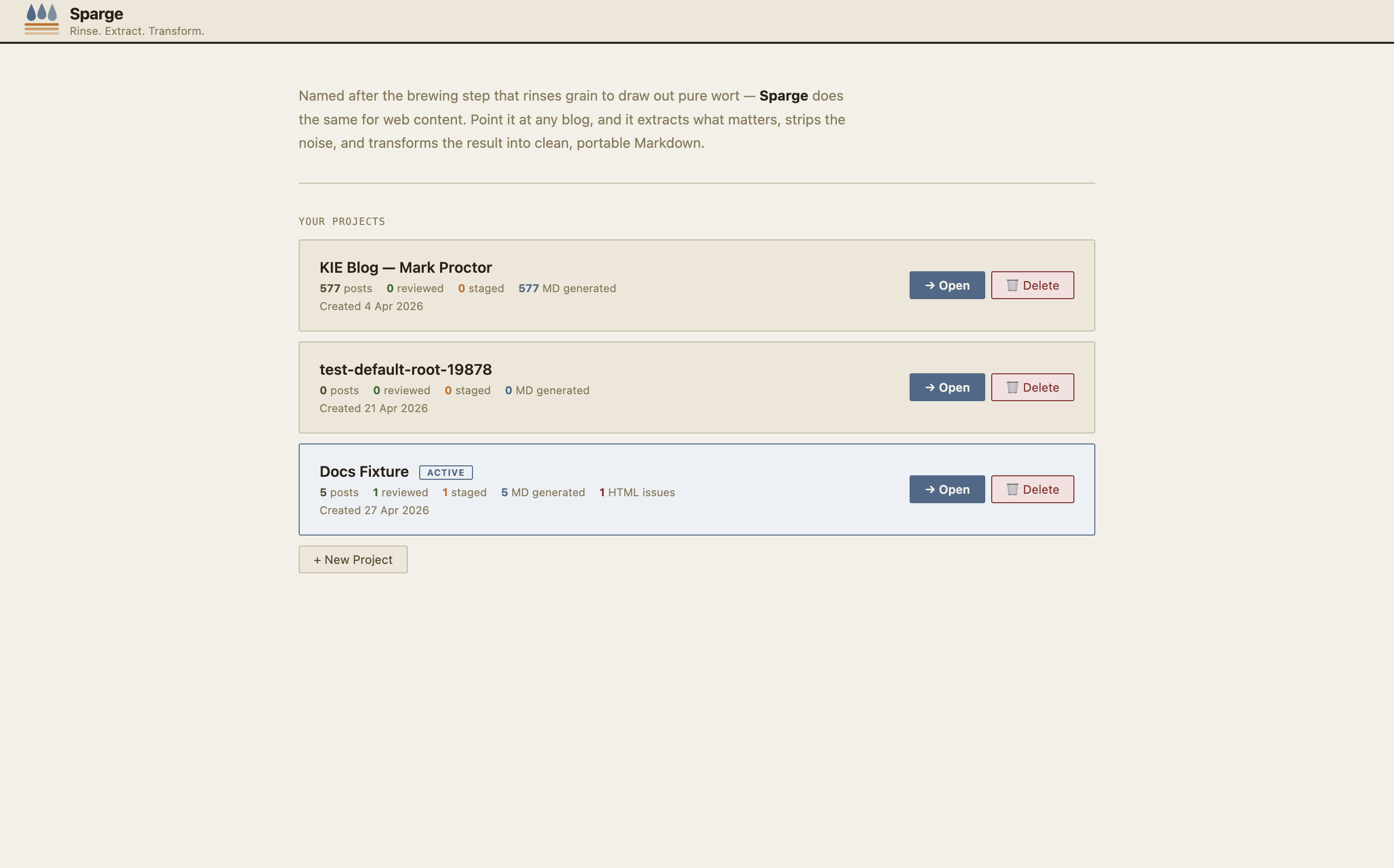 Enter your blog’s URL to start the discovery process.
Enter your blog’s homepage or archive URL and click Detect. Sparge identifies the platform and discovers all post URLs. Select the posts you want to import — or select all — and click Run Ingest.
Note: Sparge downloads and localises images during ingest. Posts with images hosted on services that block automated downloads fall back to the Wayback Machine automatically.
What happens during ingest
For each post, Sparge:
- Fetches the HTML and extracts the article content
- Strips tracking scripts, share buttons, and blog chrome
- Downloads images to your assets directory
- Applies code block fixes (normalises
<br/>in<pre>blocks, converts span-tokenised code) - Writes the cleaned HTML to your posts directory
- Registers the post in the project state
The next step is understanding the pipeline.